KDevelop
KDevelop 是免費、開放原始碼,支援各桌面平台的 IDE。
匯入專案
在 KDevelop 主畫面選擇 Open Project。
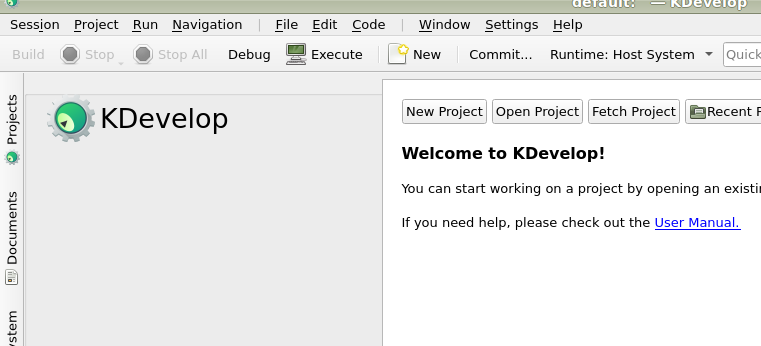
KDevelop 主畫面。
前往 Godot 根目錄並選取。
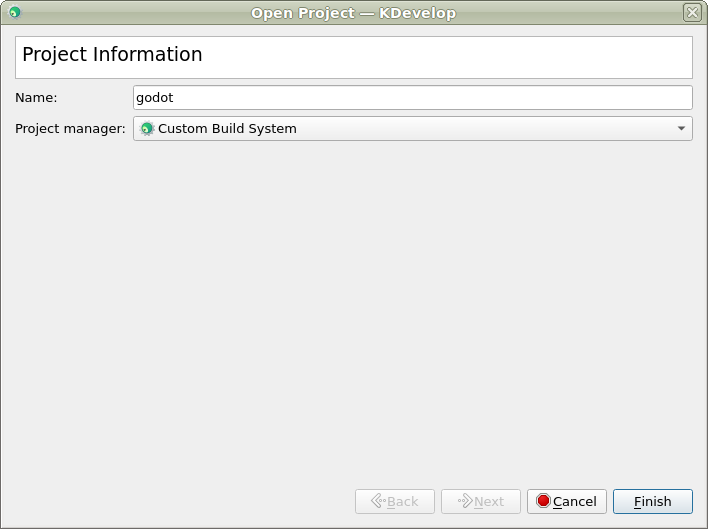
在下一步,將 Project Manager 選擇為 Custom Build System。
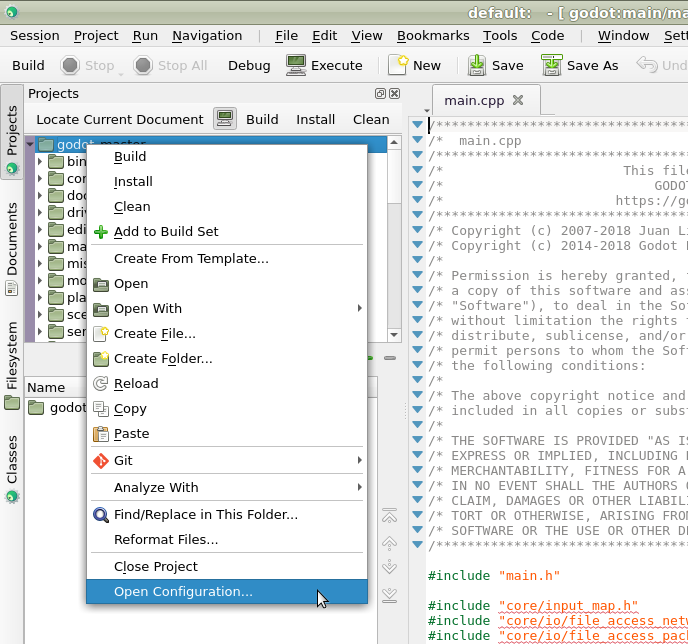
專案匯入後,在 Projects 面板對專案按右鍵,選擇 Open Configuration... 進行設定。
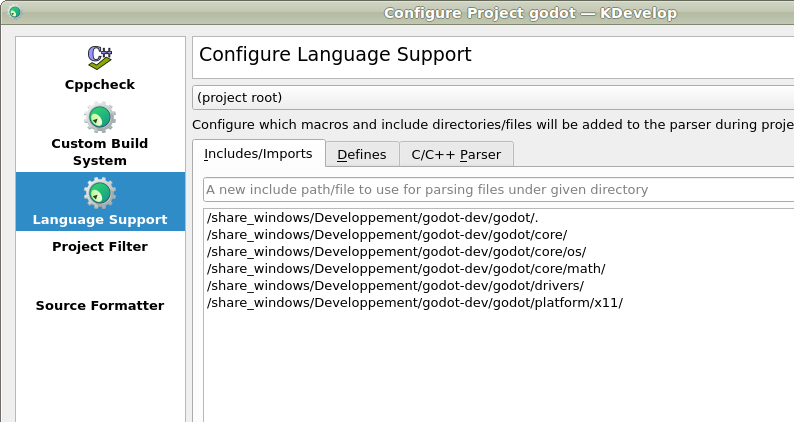
在 Language Support 展開 Includes/Imports 分頁,新增下列路徑:
.  // A dot, to indicate the root of the Godot project
core/
core/os/
core/math/
drivers/
platform/<your_platform>/  // Replace <your_platform> with a folder
                              corresponding to your current platform
套用變更。
在 Custom Build System 新增一組建置設定,內容如下:
建置目錄
(留空)
啟用
True
可執行檔
scons
參數
所有可用參數請見 建置系統介紹。
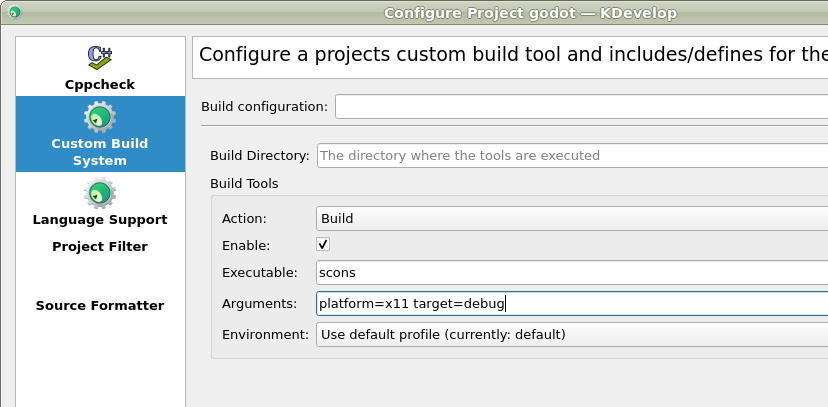
套用變更並關閉設定視窗。
除錯專案
從上方選單選擇 Run > Configure Launches...。
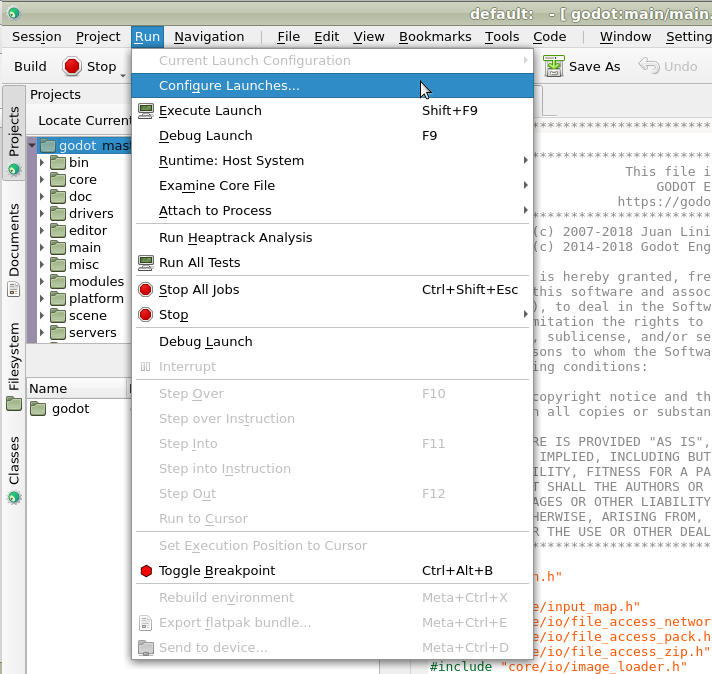
點擊 Add 以建立新啟動設定。
選擇 Executable 選項,並指定你在
<Godot 根目錄>/bin下編譯出來的可執行檔。檔案名稱會依建置參數不同而異,例如 64 位元 LinuxBSD 編輯器(開發版)為godot.linuxbsd.editor.dev.x86_64。
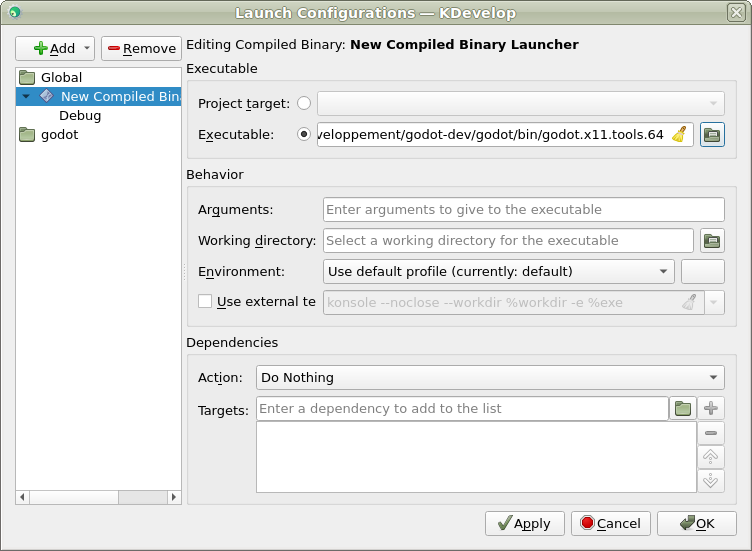
如遇問題,歡迎到 Godot 社群頻道 求助。