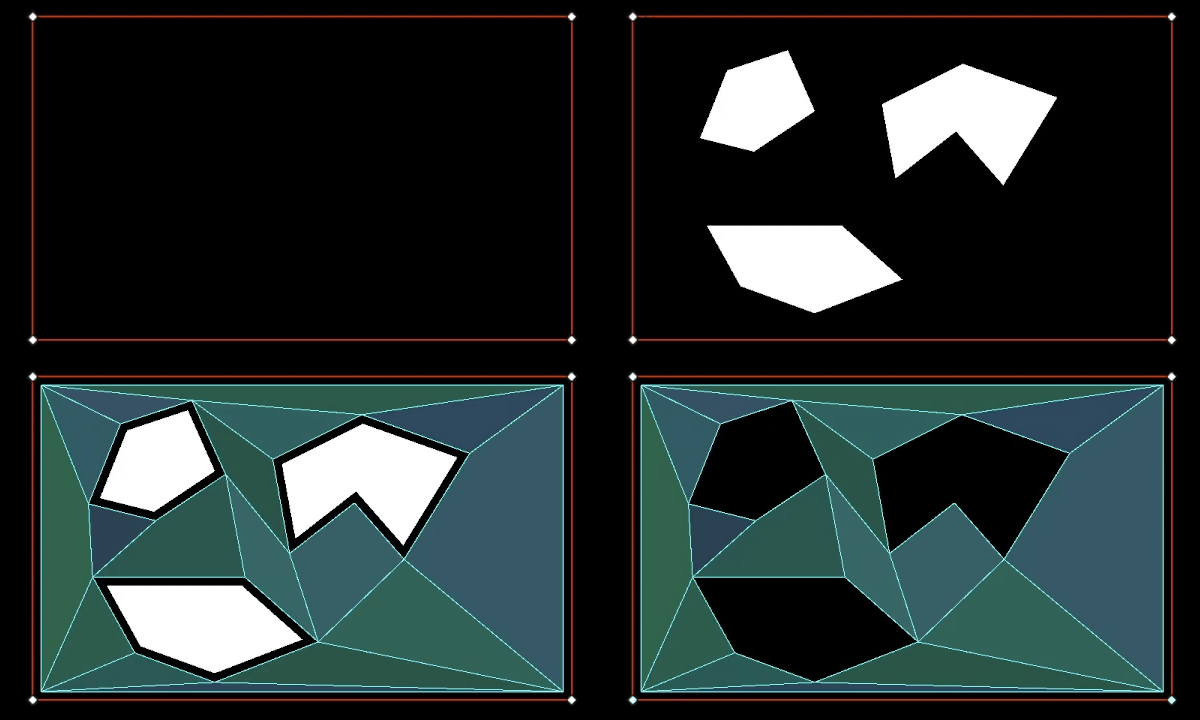
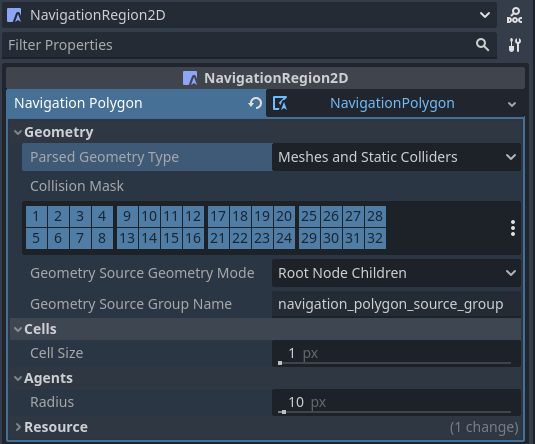
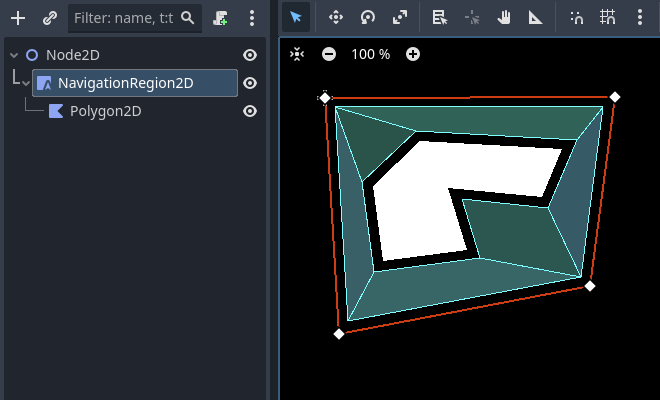
extendsNode2Dvarnavigation_mesh:NavigationPolygonvarsource_geometry:NavigationMeshSourceGeometryData2Dvarcallback_parsing:Callablevarcallback_baking:Callablevarregion_rid:RIDfunc_ready()->void:navigation_mesh=NavigationPolygon.new()navigation_mesh.agent_radius=10.0source_geometry=NavigationMeshSourceGeometryData2D.new()callback_parsing=on_parsing_donecallback_baking=on_baking_doneregion_rid=NavigationServer2D.region_create()# Enable the region and set it to the default navigation map.NavigationServer2D.region_set_enabled(region_rid,true)NavigationServer2D.region_set_map(region_rid,get_world_2d().get_navigation_map())# Some mega-nodes like TileMap are often not ready on the first frame.# Also the parsing needs to happen on the main-thread.# So do a deferred call to avoid common parsing issues.parse_source_geometry.call_deferred()funcparse_source_geometry()->void:source_geometry.clear()varroot_node:Node2D=self# Parse the obstruction outlines from all child nodes of the root node by default.NavigationServer2D.parse_source_geometry_data(navigation_mesh,source_geometry,root_node,callback_parsing)funcon_parsing_done()->void:# If we did not parse a TileMap with navigation mesh cells we may now only# have obstruction outlines so add at least one traversable outline# so the obstructions outlines have something to "cut" into.source_geometry.add_traversable_outline(PackedVector2Array([Vector2(0.0,0.0),Vector2(500.0,0.0),Vector2(500.0,500.0),Vector2(0.0,500.0)]))# Bake the navigation mesh on a thread with the source geometry data.NavigationServer2D.bake_from_source_geometry_data_async(navigation_mesh,source_geometry,callback_baking)funcon_baking_done()->void:# Update the region with the updated navigation mesh.NavigationServer2D.region_set_navigation_polygon(region_rid,navigation_mesh)
usingGodot;publicpartialclassMyNode2D:Node2D{privateNavigationPolygon_navigationMesh;privateNavigationMeshSourceGeometryData2D_sourceGeometry;privateCallable_callbackParsing;privateCallable_callbackBaking;privateRid_regionRid;publicoverridevoid_Ready(){_navigationMesh=newNavigationPolygon();_navigationMesh.AgentRadius=10.0f;_sourceGeometry=newNavigationMeshSourceGeometryData2D();_callbackParsing=Callable.From(OnParsingDone);_callbackBaking=Callable.From(OnBakingDone);_regionRid=NavigationServer2D.RegionCreate();// Enable the region and set it to the default navigation map.NavigationServer2D.RegionSetEnabled(_regionRid,true);NavigationServer2D.RegionSetMap(_regionRid,GetWorld2D().NavigationMap);// Some mega-nodes like TileMap are often not ready on the first frame.// Also the parsing needs to happen on the main-thread.// So do a deferred call to avoid common parsing issues.CallDeferred(MethodName.ParseSourceGeometry);}privatevoidParseSourceGeometry(){_sourceGeometry.Clear();Node2DrootNode=this;// Parse the obstruction outlines from all child nodes of the root node by default.NavigationServer2D.ParseSourceGeometryData(_navigationMesh,_sourceGeometry,rootNode,_callbackParsing);}privatevoidOnParsingDone(){// If we did not parse a TileMap with navigation mesh cells we may now only// have obstruction outlines so add at least one traversable outline// so the obstructions outlines have something to "cut" into._sourceGeometry.AddTraversableOutline([ new Vector2(0.0f, 0.0f), new Vector2(500.0f, 0.0f), new Vector2(500.0f, 500.0f), new Vector2(0.0f, 500.0f), ]);// Bake the navigation mesh on a thread with the source geometry data.NavigationServer2D.BakeFromSourceGeometryDataAsync(_navigationMesh,_sourceGeometry,_callbackBaking);}privatevoidOnBakingDone(){// Update the region with the updated navigation mesh.NavigationServer2D.RegionSetNavigationPolygon(_regionRid,_navigationMesh);}}
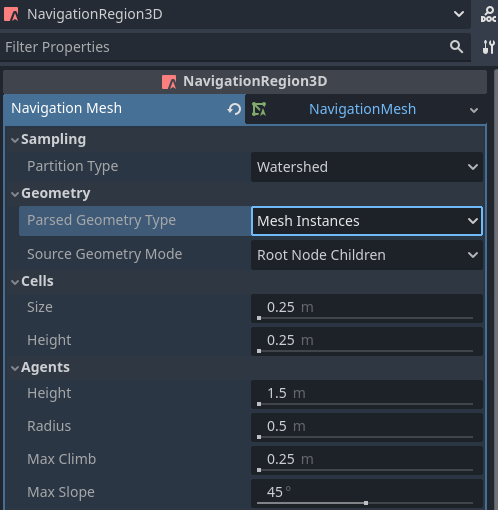
extendsNode3Dvarnavigation_mesh:NavigationMeshvarsource_geometry:NavigationMeshSourceGeometryData3Dvarcallback_parsing:Callablevarcallback_baking:Callablevarregion_rid:RIDfunc_ready()->void:navigation_mesh=NavigationMesh.new()navigation_mesh.agent_radius=0.5source_geometry=NavigationMeshSourceGeometryData3D.new()callback_parsing=on_parsing_donecallback_baking=on_baking_doneregion_rid=NavigationServer3D.region_create()# Enable the region and set it to the default navigation map.NavigationServer3D.region_set_enabled(region_rid,true)NavigationServer3D.region_set_map(region_rid,get_world_3d().get_navigation_map())# Some mega-nodes like GridMap are often not ready on the first frame.# Also the parsing needs to happen on the main-thread.# So do a deferred call to avoid common parsing issues.parse_source_geometry.call_deferred()funcparse_source_geometry()->void:source_geometry.clear()varroot_node:Node3D=self# Parse the geometry from all mesh child nodes of the root node by default.NavigationServer3D.parse_source_geometry_data(navigation_mesh,source_geometry,root_node,callback_parsing)funcon_parsing_done()->void:# Bake the navigation mesh on a thread with the source geometry data.NavigationServer3D.bake_from_source_geometry_data_async(navigation_mesh,source_geometry,callback_baking)funcon_baking_done()->void:# Update the region with the updated navigation mesh.NavigationServer3D.region_set_navigation_mesh(region_rid,navigation_mesh)
usingGodot;publicpartialclassMyNode3D:Node3D{privateNavigationMesh_navigationMesh;privateNavigationMeshSourceGeometryData3D_sourceGeometry;privateCallable_callbackParsing;privateCallable_callbackBaking;privateRid_regionRid;publicoverridevoid_Ready(){_navigationMesh=newNavigationMesh();_navigationMesh.AgentRadius=0.5f;_sourceGeometry=newNavigationMeshSourceGeometryData3D();_callbackParsing=Callable.From(OnParsingDone);_callbackBaking=Callable.From(OnBakingDone);_regionRid=NavigationServer3D.RegionCreate();// Enable the region and set it to the default navigation map.NavigationServer3D.RegionSetEnabled(_regionRid,true);NavigationServer3D.RegionSetMap(_regionRid,GetWorld3D().NavigationMap);// Some mega-nodes like GridMap are often not ready on the first frame.// Also the parsing needs to happen on the main-thread.// So do a deferred call to avoid common parsing issues.CallDeferred(MethodName.ParseSourceGeometry);}privatevoidParseSourceGeometry(){_sourceGeometry.Clear();Node3DrootNode=this;// Parse the geometry from all mesh child nodes of the root node by default.NavigationServer3D.ParseSourceGeometryData(_navigationMesh,_sourceGeometry,rootNode,_callbackParsing);}privatevoidOnParsingDone(){// Bake the navigation mesh on a thread with the source geometry data.NavigationServer3D.BakeFromSourceGeometryDataAsync(_navigationMesh,_sourceGeometry,_callbackBaking);}privatevoidOnBakingDone(){// Update the region with the updated navigation mesh.NavigationServer3D.RegionSetNavigationMesh(_regionRid,_navigationMesh);}}
以下腳本範例會利用 NavigationServer 將程式生成的導航網格資料套用於導航區域。
extendsNode2Dvarnavigation_mesh:NavigationPolygonvarregion_rid:RIDfunc_ready()->void:navigation_mesh=NavigationPolygon.new()region_rid=NavigationServer2D.region_create()# Enable the region and set it to the default navigation map.NavigationServer2D.region_set_enabled(region_rid,true)NavigationServer2D.region_set_map(region_rid,get_world_2d().get_navigation_map())# Add vertices for a convex polygon.navigation_mesh.vertices=PackedVector2Array([Vector2(0.0,0.0),Vector2(100.0,0.0),Vector2(100.0,100.0),Vector2(0.0,100.0),])# Add indices for the polygon.navigation_mesh.add_polygon(PackedInt32Array([0,1,2,3]))NavigationServer2D.region_set_navigation_polygon(region_rid,navigation_mesh)
usingGodot;publicpartialclassMyNode2D:Node2D{privateNavigationPolygon_navigationMesh;privateRid_regionRid;publicoverridevoid_Ready(){_navigationMesh=newNavigationPolygon();_regionRid=NavigationServer2D.RegionCreate();// Enable the region and set it to the default navigation map.NavigationServer2D.RegionSetEnabled(_regionRid,true);NavigationServer2D.RegionSetMap(_regionRid,GetWorld2D().NavigationMap);// Add vertices for a convex polygon._navigationMesh.Vertices=[ new Vector2(0, 0), new Vector2(100.0f, 0), new Vector2(100.0f, 100.0f), new Vector2(0, 100.0f), ];// Add indices for the polygon._navigationMesh.AddPolygon([0,1,2,3]);NavigationServer2D.RegionSetNavigationPolygon(_regionRid,_navigationMesh);}}
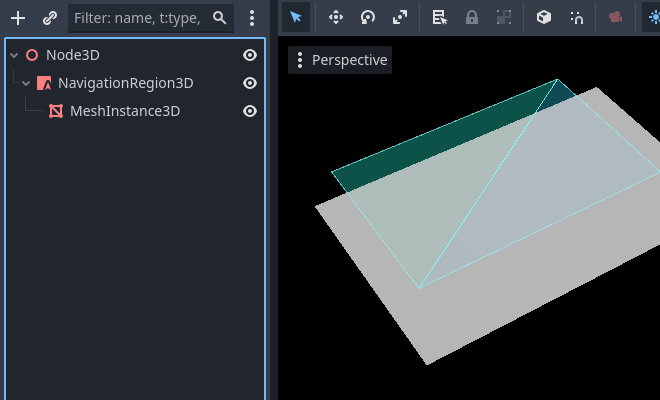
extendsNode3Dvarnavigation_mesh:NavigationMeshvarregion_rid:RIDfunc_ready()->void:navigation_mesh=NavigationMesh.new()region_rid=NavigationServer3D.region_create()# Enable the region and set it to the default navigation map.NavigationServer3D.region_set_enabled(region_rid,true)NavigationServer3D.region_set_map(region_rid,get_world_3d().get_navigation_map())# Add vertices for a convex polygon.navigation_mesh.vertices=PackedVector3Array([Vector3(-1.0,0.0,1.0),Vector3(1.0,0.0,1.0),Vector3(1.0,0.0,-1.0),Vector3(-1.0,0.0,-1.0),])# Add indices for the polygon.navigation_mesh.add_polygon(PackedInt32Array([0,1,2,3]))NavigationServer3D.region_set_navigation_mesh(region_rid,navigation_mesh)
usingGodot;publicpartialclassMyNode3D:Node3D{privateNavigationMesh_navigationMesh;privateRid_regionRid;publicoverridevoid_Ready(){_navigationMesh=newNavigationMesh();_regionRid=NavigationServer3D.RegionCreate();// Enable the region and set it to the default navigation map.NavigationServer3D.RegionSetEnabled(_regionRid,true);NavigationServer3D.RegionSetMap(_regionRid,GetWorld3D().NavigationMap);// Add vertices for a convex polygon._navigationMesh.Vertices=[ new Vector3(-1.0f, 0.0f, 1.0f), new Vector3(1.0f, 0.0f, 1.0f), new Vector3(1.0f, 0.0f, -1.0f), new Vector3(-1.0f, 0.0f, -1.0f), ];// Add indices for the polygon._navigationMesh.AddPolygon([0,1,2,3]);NavigationServer3D.RegionSetNavigationMesh(_regionRid,_navigationMesh);}}