Attention: Here be dragons
This is the latest
(unstable) version of this documentation, which may document features
not available in or compatible with released stable versions of Godot.
Checking the stable version of the documentation...
Gradle builds for Android
Godot provides the option to build using the gradle buildsystem. Instead of using the already pre-built template that ships with Godot, an Android Java project gets installed into your project folder. Godot will then build it and use it as an export template every time you export the project.
Existem algumas razões para você querer fazer isso:
Modificar o projeto antes dele ser compilado.
Adicionar SDKs externos utilizados no seu projeto.
Configuring the gradle build is a fairly straightforward process. But first you need to follow the steps in exporting for android up to Setting it up in Godot. After doing that, follow the steps below.
Set up the gradle build environment
Go to the Project menu, and install the Gradle Build template:
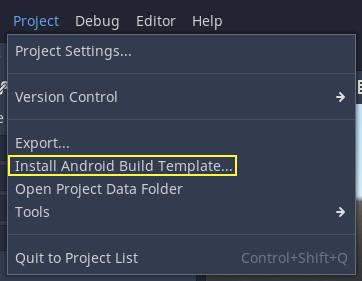
Certifique-se de que os modelos de exportação estejam baixados. Caso contrário, este menu ajudará você a baixá-los.
A Gradle-based Android project will be created under res://android/build.
Editing these files is not needed unless you really need to modify the project.
Enabling the gradle build and exporting
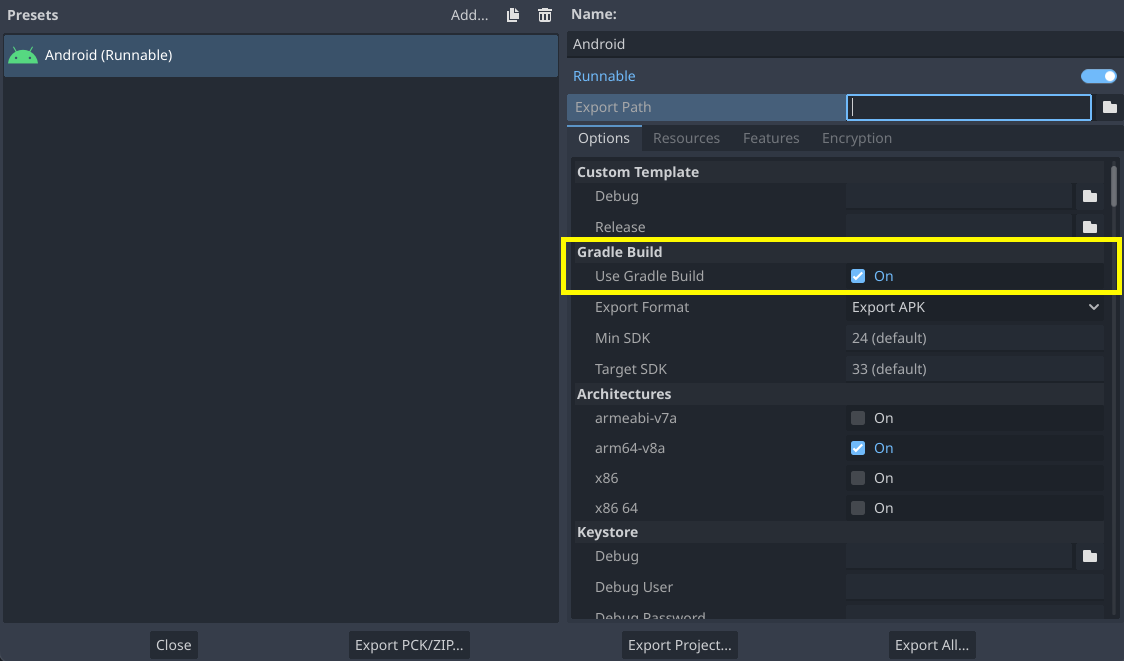
When setting up the Android project in the Project > Export dialog, Gradle Build needs to be enabled:
A partir de agora, tentar exportar o projeto ou implantar com um clique irá chamar o sistema de compilação do Gradle para gerar novos modelos (esta janela aparecerá todas as vezes):
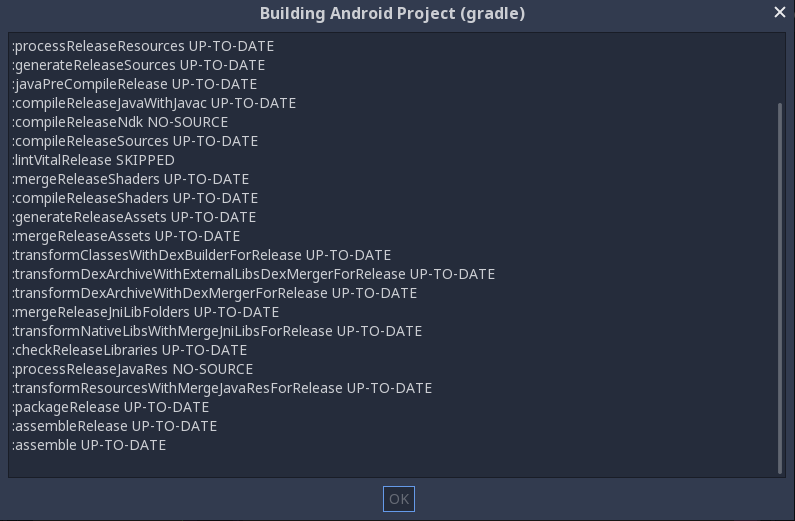
Os modelos construídos serão usados automaticamente depois, portanto, nenhuma configuração adicional é necessária.
Nota
When using the gradle Android build system, assets that are placed within a folder whose name begins with an underscore will not be included in the generated APK. This does not apply to assets whose file name begins with an underscore.
For example, _example/image.png will not be included as an asset,
but _image.png will.