Attention: Here be dragons
This is the latest
(unstable) version of this documentation, which may document features
not available in or compatible with released stable versions of Godot.
Checking the stable version of the documentation...
Exporting for visionOS
参考
This page describes how to export a Godot project to visionOS. If you're looking to compile export template binaries from source instead, see Compiling for visionOS.
Exporting instructions for visionOS are very similar to iOS用にエクスポート. You can refer to it for more details about the Xcode workflow.
必要条件
Xcode (from the macOS App Store).
An Apple account, for code-signing (free for on-device testing).
注意
Projects written in C# are currently not supported on visionOS, as the .NET runtime does not support visionOS.
App Role

The Window mode (default) presents your game in a flat window, similar to an iOS app.
The Immersive mode presents your game as an XR app.
For more information about the immersive mode, see XR on visionOS.
Immersion Mode
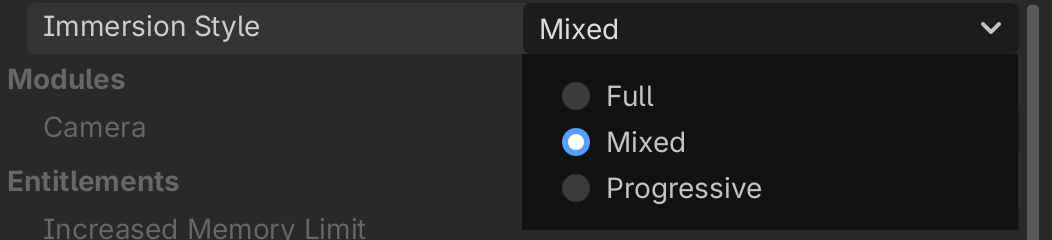
The Mixed immersion style displays your Godot game on top of the passthrough environment. The Full and Progressive immersion styles display your game on top of an opaque background and defines a 1.5-meter boundary around the player.
See Apple's Human Interface Guidelines for more details.