Manually changing application icon for Windows
Windows applications use a Windows only format called ICO for their file icon and taskbar icon. Since Godot 4.1, Godot can create an ICO file for you based on the icon file defined in the Windows export preset. Supported formats are PNG, WebP, and SVG. If no icon is defined in the Windows export preset, the application/config/icon project setting is used automatically instead.
This means you no longer need to follow the steps in this section to manually create an ICO file, unless you wish to have control over the icon design depending on its displayed size.
Creating a custom ICO file
You can create your application icon in any program but you will have to convert it to an ICO file using a program such as GIMP.
This video tutorial repasa cómo exportar un archivo ICO con GIMP.
Es también posible convertir una imagen PNG a un archivo ICO compatible con hiDPI usando este comando de ImageMagick:
magick convert icon.png -define icon:auto-resize=256,128,64,48,32,16 icon.ico
Dependiendo de la versión de ImageMagick que hayas instalado, es posible que debas omitir magick y ejecutar este comando en su lugar:
convert icon.png -define icon:auto-resize=256,128,64,48,32,16 icon.ico
Advertencia
Para que el archivo ICO reemplace efectivamente el icono de Godot predeterminado, debe contener * todos * los tamaños incluidos en el icono de Godot predeterminado: 16 × 16, 32 × 32, 48 × 48, 64 × 64, 128 × 128, 256 × 256 . Si el archivo ICO no contiene todos los tamaños, el icono de Godot predeterminado se mantendrá para los tamaños que no se anularon.
El comando ImageMagick anterior tiene esto en cuenta.
Cambiar el icono de la barra de tareas
El icono de la barra de tareas es el icono que aparece en la barra de tareas cuando se está ejecutando el juego.

To change the taskbar icon, go to
Project > Project Settings > Application > Config, make sure
Advanced Settings are enabled to see the setting, then go to
Windows Native Icon. Click on the folder icon and select your ICO file.
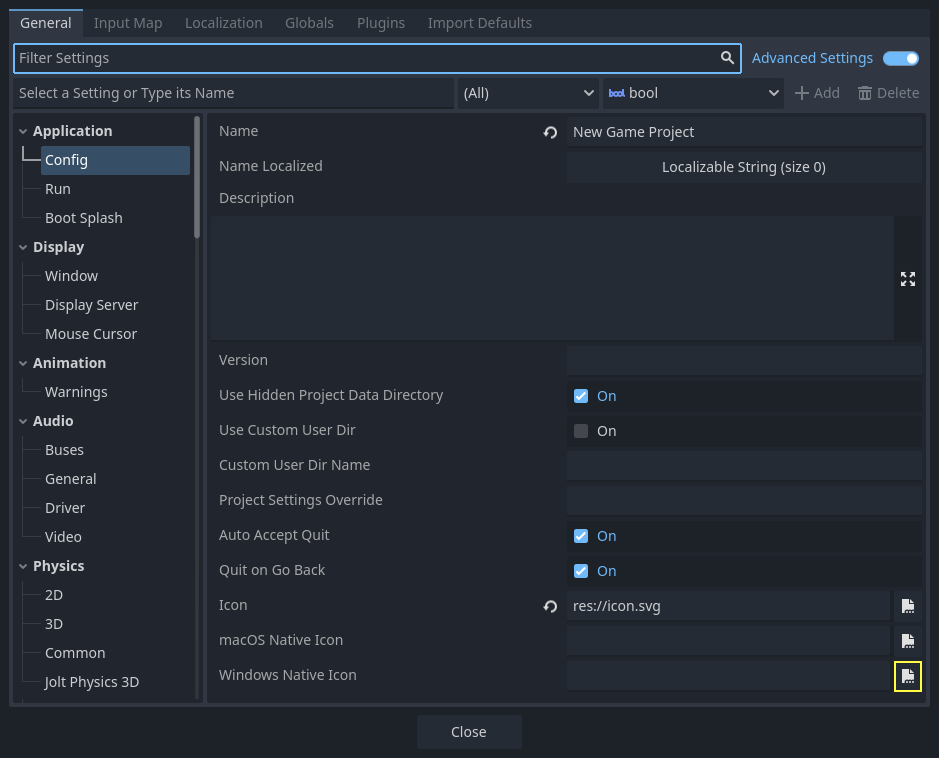
Este ajuste sólo cambia el icono del juego exportado en Windows. Para configurar el icono para macOS, usa Macos Native Icon. Y para cualquier otra plataforma, usa el ajuste Icon.
Cambiar el icono del archivo
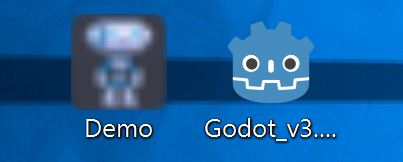
El icono de archivo es el icono del ejecutable sobre el que se hace clic para iniciar el juego.
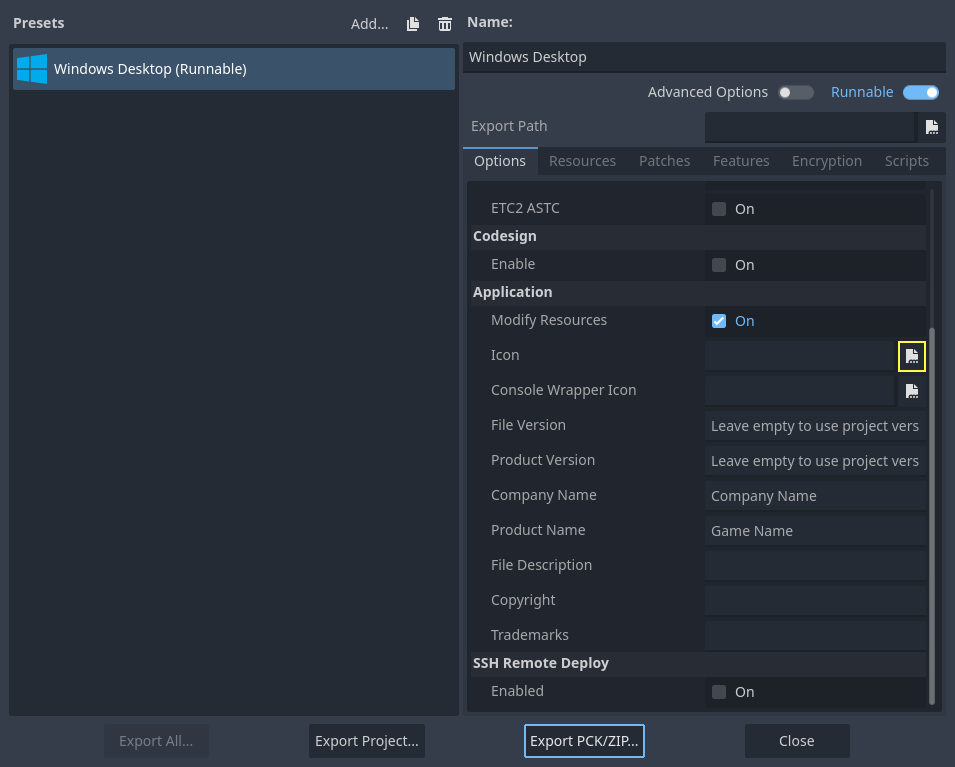
To do that, you will need to specify the icon when exporting. Go to Project > Export. Assuming you have already created a Windows Desktop preset, select your icon in ICO format in the Application > Icon field.
Probando el resultado
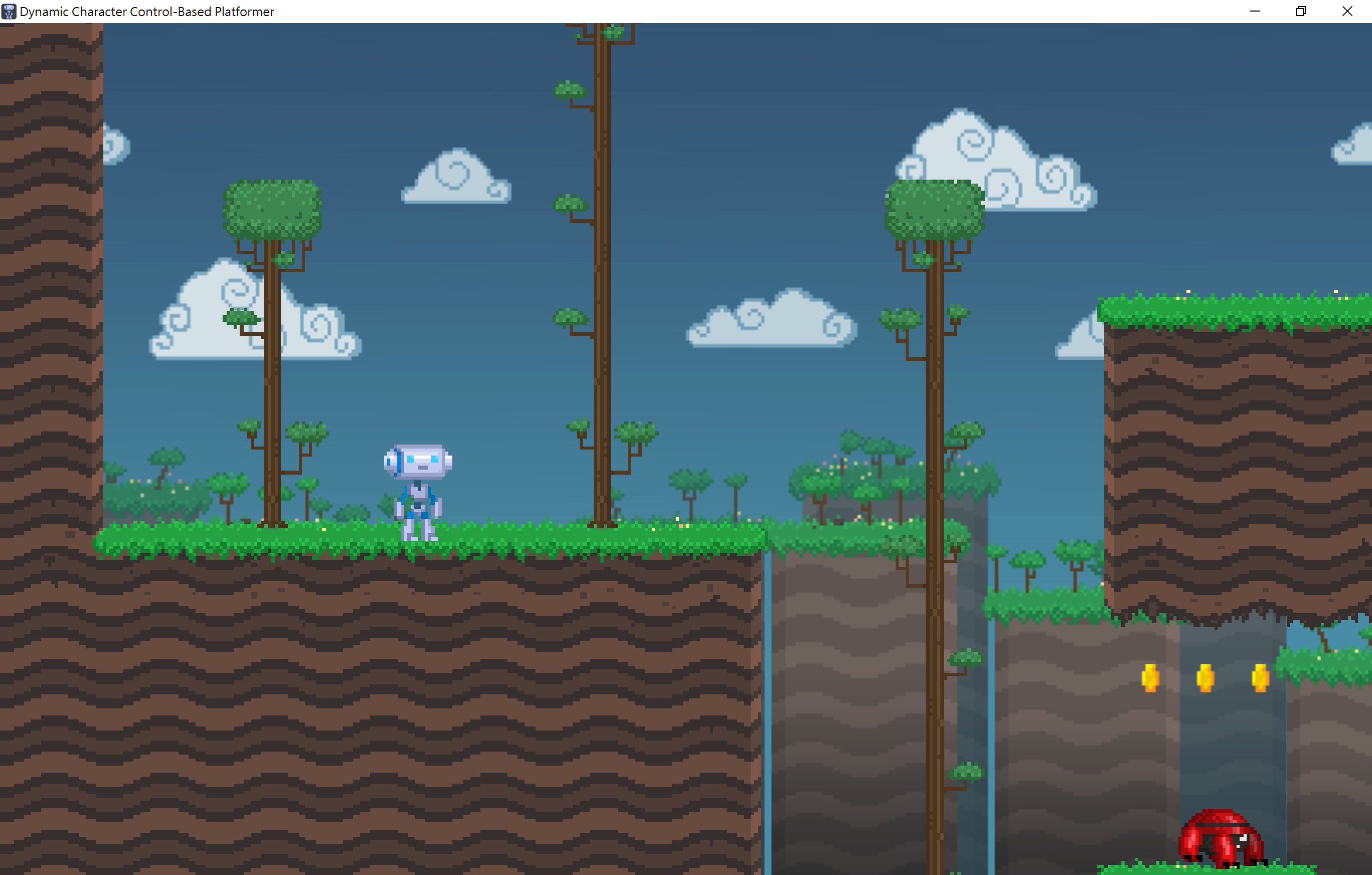
Ahora puedes exportar el proyecto. Si no se ha producido ningún problema, entonces deberías ver esto:
Nota
If your icon isn't showing up properly try clearing the icon
cache. To do so, open the Run dialog and enter ie4uinit.exe
-ClearIconCache or ie4uinit.exe -show.