Attention: Here be dragons
This is the latest
(unstable) version of this documentation, which may document features
not available in or compatible with released stable versions of Godot.
Checking the stable version of the documentation...
Hotspot
Ver también
Please see the sampling profiler instructions for more information.
Abre HotSpot. Haz clic en Grabar Datos:
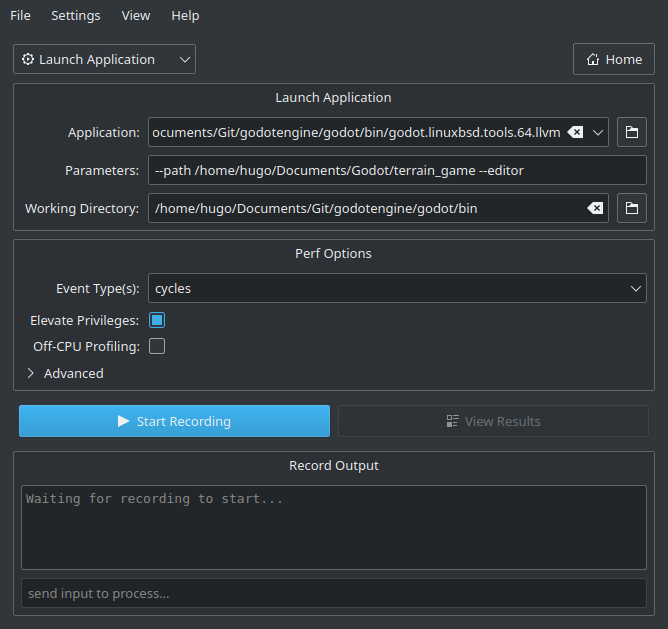
En la siguiente ventana, especifica la ruta al ejecutable de Godot que incluye los símbolos de depuración.
Especifica los argumentos de línea de comandos para ejecutar un proyecto específico, con o sin el editor.
The path to the working directory can be anything if an absolute path is used for the
--pathcommand line argument. Otherwise, it must be set so that the relative path to the project is valid.Make sure Elevate Privileges is checked if you have administrative privileges. While not essential for profiling Godot, this will ensure all events can be captured. Otherwise, some events may be missing from the capture. Your settings should now look something like this:
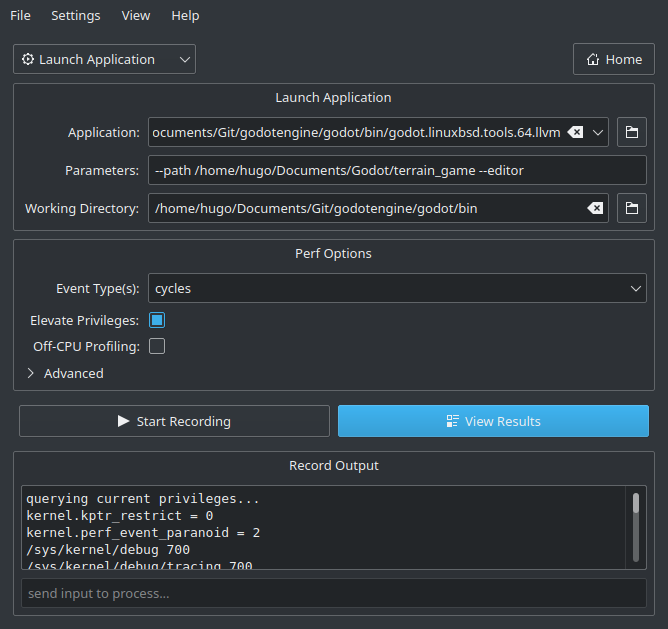
Haz clic en Start Recording (Iniciar Grabación) y realiza las acciones que deseas perfilar en el editor o el proyecto.
Quit the editor/project normally or use the Stop Profiling button in Hotspot to stop profiling early. Stopping profiling early can result in cleaner profiles if you're not interested in the engine's shutdown procedure.
Haz clic en View Results (Ver Resultados) y espera a que se genere la visualización del perfilado:
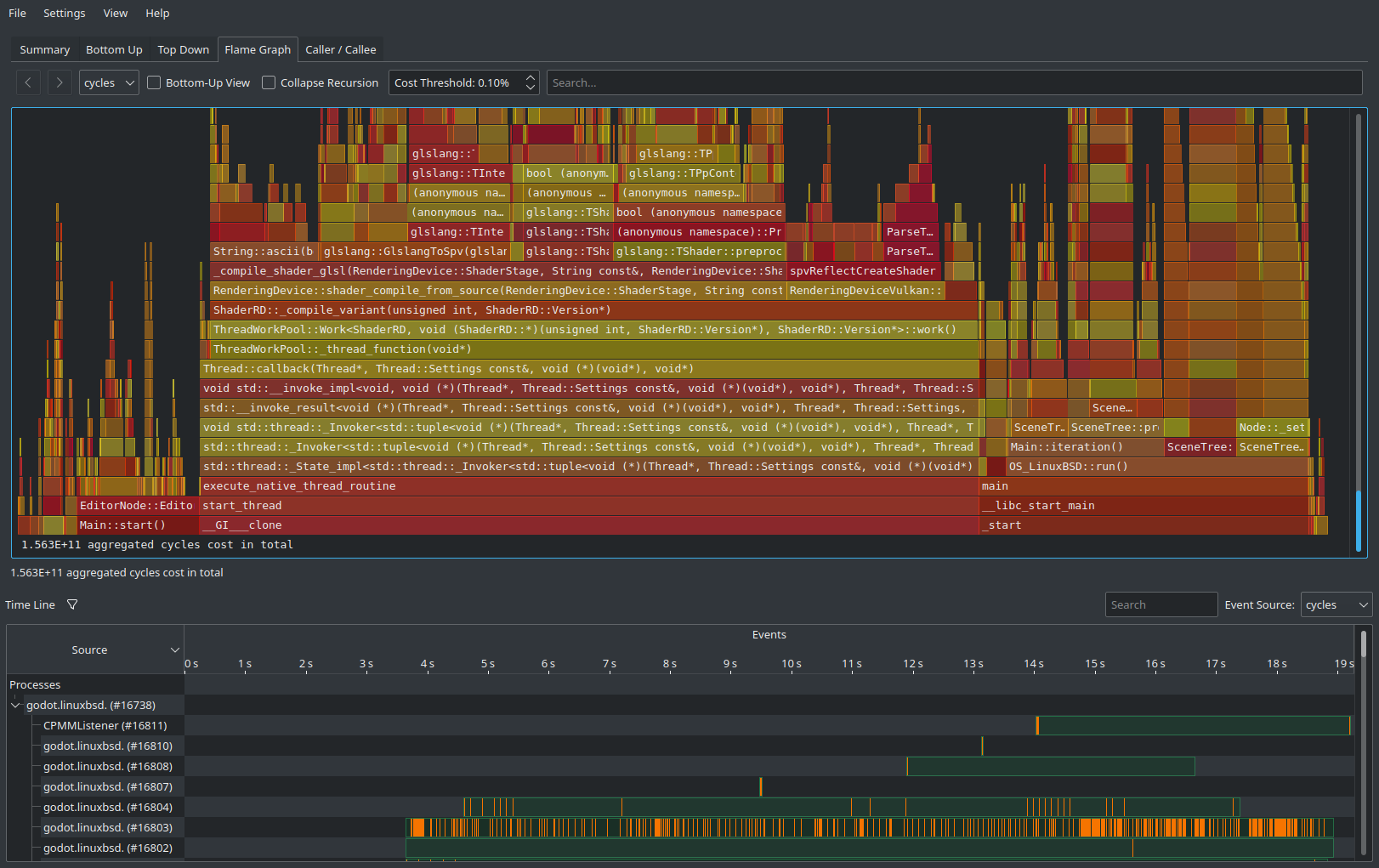
Utiliza las pestañas en la parte superior para navegar entre las diferentes vistas. Estas vistas muestran los mismos datos, pero de diferentes maneras. La pestaña Flame Graph (Gráfico de Llamadas) es una buena manera de ver rápidamente qué funciones ocupan más tiempo. Estas funciones son las más importantes para optimizar, ya que mejorarlas tendrá el mayor impacto en el rendimiento.
At the bottom of all tabs except Summary, you will also see a list of CPU threads started by the engine along with the CPU utilization for each thread. This lets you see threads that can be a bottleneck at a given point in time.
Nota
If you don't want the startup procedure to be included in the profile, you can also attach Hotspot to a running process by clicking Record Data then setting the Launch Application dropdown option to Attach To Process(es).
Este flujo de trabajo basado en la conexión de procesos es similar al utilizado por VerySleepy.